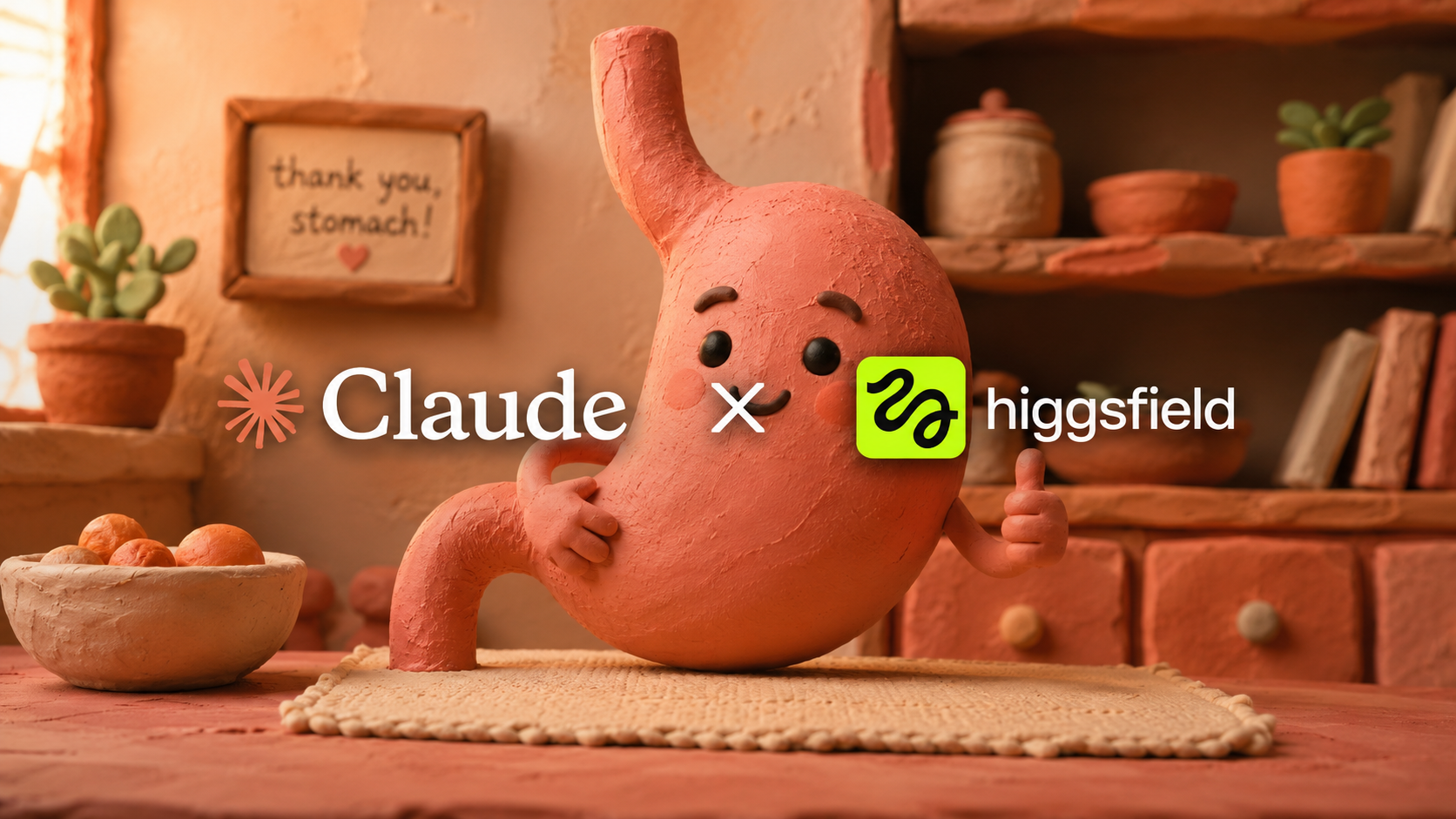
You have seen these ads on TikTok and Meta. Soft clay worlds where a friendly little "gut bacteria" blob gets attacked by inflammation until the hero ingredient swoops in and rebuilds everything. They look like a studio charged five figures. They stop the scroll. And they convert better than almost any other ad format in health and wellness right now.
The format is called an MOA ad. It stands for Mechanism of Action, and it follows a specific three-tool pipeline that anyone can learn. This guide walks you through every single step, from the first Claude prompt to the final exported video, with exact prompts you can copy and paste.
No animation experience required. No design background. Just three AI tools and this workflow.
What's an MOA ad?
MOA stands for Mechanism of Action. It is a term borrowed from pharmacology that describes exactly how a substance works inside the body: which receptor it binds, what pathway it triggers, what it blocks or activates at the cellular level.
An MOA ad takes that concept and turns it into a visual story. Instead of telling the viewer "this supplement fixes bloating," you show them animated gut lining, introduce clay villain characters representing inflammation or bad bacteria, and then walk them through the exact biological steps the ingredient takes to fix the problem.
This is why MOA ads convert so well. A standard benefit claim asks the viewer to trust you on faith. An MOA ad makes them feel like they just learned something real about how the product works, so the purchase feels like a logical conclusion rather than a leap of faith. The viewer's internal monologue shifts from "do I believe this brand?" to "oh, that is how it works - I should try it."
MOA ads work especially well for:
- Supplements and nutraceuticals (gut health, peptides, nootropics)
- Skincare with active ingredients (retinoids, peptides, hyaluronic acid)
- Fitness and recovery products (creatine, collagen, electrolytes)
- Any product where the mechanism is more compelling than the claim
Why claymation?
You could animate an MOA ad in any style, but claymation is winning for three specific reasons:
It disarms the viewer. Real biology is gross. Render inflamed gut lining as a chubby, sad clay character and it becomes watchable, even endearing. The clay style smuggles heavy medical content past people's natural "this is an ad" defenses. They watch because it is cute and tactile, and they absorb the mechanism without realizing they are being sold to.
It stops the scroll. In a feed full of talking heads and flat graphics, a handmade-looking 3D clay world reads as premium and different. The tactile texture, the visible fingerprints in the clay, the soft studio lighting - it triggers a "wait, what is this?" reaction that buys you those critical first three seconds.
It clears ad review in restricted verticals. This is the sleeper benefit. If you are advertising peptides, GLP-1 products, or anything the platforms are sensitive about, the clay format is often the difference between a live ad and a banned account. Animated "educational content" gets approved far more easily than direct before-and-after claims. The mechanism framing positions your ad as informational rather than promotional, which platforms reward.
And the cost has collapsed. What used to require $15,000 to $40,000 at an animation studio now costs a weekend and some AI credits.
The three-tool stack
The entire pipeline runs on three tools. Each one owns a specific job, and the handoff between them is where the quality comes from.
| Tool | Role | What it owns |
|---|---|---|
| Claude | Blueprint | Script, voiceover, timing, shot list, style bible, frame prompts, motion prompts |
| ChatGPT | Stills | Every clay keyframe image and character reference sheet |
| Higgsfield | Motion | Animating each still into a 5-second clip, then stitching the final video |
Think of it like a film crew:
- Claude is the writer, director, and storyboard artist. It writes the full voiceover script with timestamps, breaks the ad into individual shots, writes a detailed frame prompt and a motion prompt for every single shot, and maintains the style bible so nothing drifts across frames. Claude never generates images or video - it creates the entire blueprint that the other two tools execute.
- ChatGPT is the set designer and character builder. It takes each frame prompt from Claude and generates the actual clay still image. It also builds your character reference sheets so every character looks consistent across the entire ad.
- Higgsfield is the animator. It takes each approved still image and brings it to life with subtle stop-motion movement: a character breathing, an ingredient flowing through a pathway, a gentle camera push-in. Then you stitch the clips into the final cut.
The structure that converts
Before you open any tool, you need the skeleton. Every high-performing MOA ad follows the same 7-beat structure. This is the beat sheet for a 75 to 90 second ad:
The overall shape: problem, failed solutions, mechanism, proof, offer. Most of the runtime lives in beats 4 and 5 (the mechanism), because that is the part that actually persuades. Do not let hook and problem eat more than a third of the runtime.
The workflow
Step 1: Blueprint the entire ad in Claude
Do not generate a single image yet. The biggest mistake people make is jumping into ChatGPT and generating pretty clay images without a plan. You end up with gorgeous frames that do not tell a coherent story and do not match each other.
Open Claude and give it everything it needs to build your full ad blueprint. Here is the exact prompt:
Claude will return a complete production document. This is your entire roadmap. Every image you generate and every animation you create comes directly from this blueprint.
The quality of your final ad is directly proportional to how specific you are about the mechanism. Feed Claude real science. If you are selling a gut health supplement, give it the actual biological pathway. If you are selling a peptide, give it the receptor binding mechanism. Vague inputs produce generic ads. Specific inputs produce ads that make viewers say "wait, I did not know that."
Step 2: Lock your style anchor and character sheet
This is the single most important step. Read this section twice before you proceed.
AI image tools drift. If you generate the same character across ten separate prompts, you will get ten slightly different characters. The clay color shifts. The proportions change. The lighting feels different. Amateur MOA ads are riddled with this inconsistency and it immediately screams "AI made this." The uncanny drift is what makes an ad feel cheap.
The fix is a two-part process:
Part A: Generate your style-anchor frame.
Before generating any shot from your shot list, create one single frame that defines the entire visual world of your ad. Use this prompt in ChatGPT:
Regenerate this frame until the lighting, texture, palette, and overall feel are exactly right. This frame becomes your visual bible. Every single frame you generate after this one needs to match it. Save it somewhere you can reference it easily.
Part B: Build character reference sheets.
For every recurring character in your ad (the hero ingredient, the villain bacteria, the gut lining character), generate a clean reference sheet. Use this prompt:
Generate a reference sheet for every character that appears more than once. Then, when generating any frame that includes that character, upload the reference sheet as a reference image and explicitly tell ChatGPT to match it.
This two-step process (style anchor + character sheets) is what separates professional-looking MOA ads from obvious AI slop. It takes an extra 20 minutes upfront and saves you hours of regenerating inconsistent frames later.
Step 3: Generate every frame in ChatGPT
Now work through your shot list from Claude, one shot at a time. For each frame, use the frame prompt Claude wrote, but always include your style anchor image and the relevant character sheet as reference images.
Here is the master frame prompt template:
Critical rules for this step:
- Always attach your style anchor image and the relevant character sheet as reference images. Do not rely on text descriptions alone.
- Regenerate ruthlessly. If a frame drifts from your style anchor in lighting, color, or character proportions, regenerate it. A single inconsistent frame will ruin the clip it becomes.
- Work in order. Generate shot 1, approve it, then shot 2. Do not skip around - sequential generation helps ChatGPT maintain consistency.
- Save every approved frame with a clear filename: shot-01-hook.png, shot-02-problem.png, etc.
- If a frame has multiple characters, attach all relevant character sheets.
Expect to regenerate each frame 2-4 times on average. Some frames nail it first try, some take 6-7 attempts. Budget your credits accordingly.
Step 4: Animate every frame in Higgsfield
Take each approved still into Higgsfield and animate it using the motion prompt from Claude's shot list. Here is the master motion prompt template:
Critical rules for animation:
- Keep every clip to 5 seconds maximum. Short clips give you more control and fewer chances for the AI to introduce melting or morphing artifacts.
- Keep motion subtle. A character breathing, an ingredient flowing, a gentle camera push-in. Over-animating creates the melty, surreal AI look that kills the premium feel. Less is more.
- Use the same motion intensity settings across all clips. If you use 50% motion on shot 1, use 50% on every shot. Inconsistent motion intensity makes clips feel like they are from different ads.
- Watch for morphing. If a character's shape distorts during animation, regenerate the clip. Morphing is the number one tell that it is AI-generated.
- Save clips with matching filenames: clip-01-hook.mp4, clip-02-problem.mp4, etc.
Step 5: Assemble the final ad
Once you have all your animated clips, assemble the final ad in any video editor (CapCut, DaVinci Resolve, Premiere, even iMovie). Here is the assembly checklist:
- Lay all clips in order on the timeline, trimming each to match the duration from your shot list
- Add the voiceover underneath, synced to Claude's timestamp map
- Add captions. This is non-negotiable. Most viewers watch muted, and captions boost completion rate by 40% or more
- Score the ad to match the emotional arc: tense, uneasy music during the problem section, warmer and more hopeful music at the mechanism reveal, confident and clean at the CTA
- Add simple transitions between clips. Cut or short crossfade. Do not use flashy transitions - they break the handmade feel
- Export at 9:16 for TikTok, Reels, and Shorts. Export a 1:1 version for feed placements if needed
- Watch the final cut with sound off. If the story does not make sense visually with just captions, the ad is not done yet
Reusable prompt templates
Here are all the prompts from this guide collected in one place. Fill in the brackets with your product details. These are designed to be copied directly into each tool.
Compliance
The clay format helps your ads clear platform review. It does not exempt you from FTC rules or platform health-claim policies. Animating a mechanism does not make an unsubstantiated claim substantiated. Here is what to watch for:
- Do not dramatize outcomes you cannot back up. A clay animation of a tumor shrinking is still a health claim. The format does not change the regulatory classification of the claim itself.
- Keep cure and disease-treatment language out unless your product has the regulatory standing to make those claims. "Supports gut health" is a structure-function claim. "Cures IBS" is a disease claim that requires FDA approval.
- For peptides, GLP-1, or anything in a gray area, get category-specific legal review before you spend on media. An ad that gets your account banned costs more than a compliance review.
- Cite real research. If your MOA section references studies, make sure those studies exist and actually support the claims you are making. "Studied in over 60 trials" is only defensible if there are actually 60+ trials.
- Include required disclaimers. "These statements have not been evaluated by the FDA" and similar disclaimers still apply even in animated format.
The best MOA ads are the ones that are genuinely honest about the mechanism. That honesty is also what makes them durable. A truthful ad runs for months. A sketchy one is one report away from account suspension.
Takeaway
An MOA claymation ad is not one prompt. It is a pipeline with three tools, each handling a different job:
Claude writes the full blueprint - script, shot list, style bible, every prompt. ChatGPT builds the clay frames. Higgsfield brings them to life with subtle stop-motion animation.
The quality comes from three things: a specific, real mechanism (not vague benefit claims), a locked style anchor that every frame matches, and subtle animation that avoids the melty AI look.
Ninety percent of AI-generated MOA ads drift across frames, melt during animation, and tell a generic story. Consistency, specificity, and a real mechanism are the whole game. Get those right and it looks like a studio spent five figures on it.