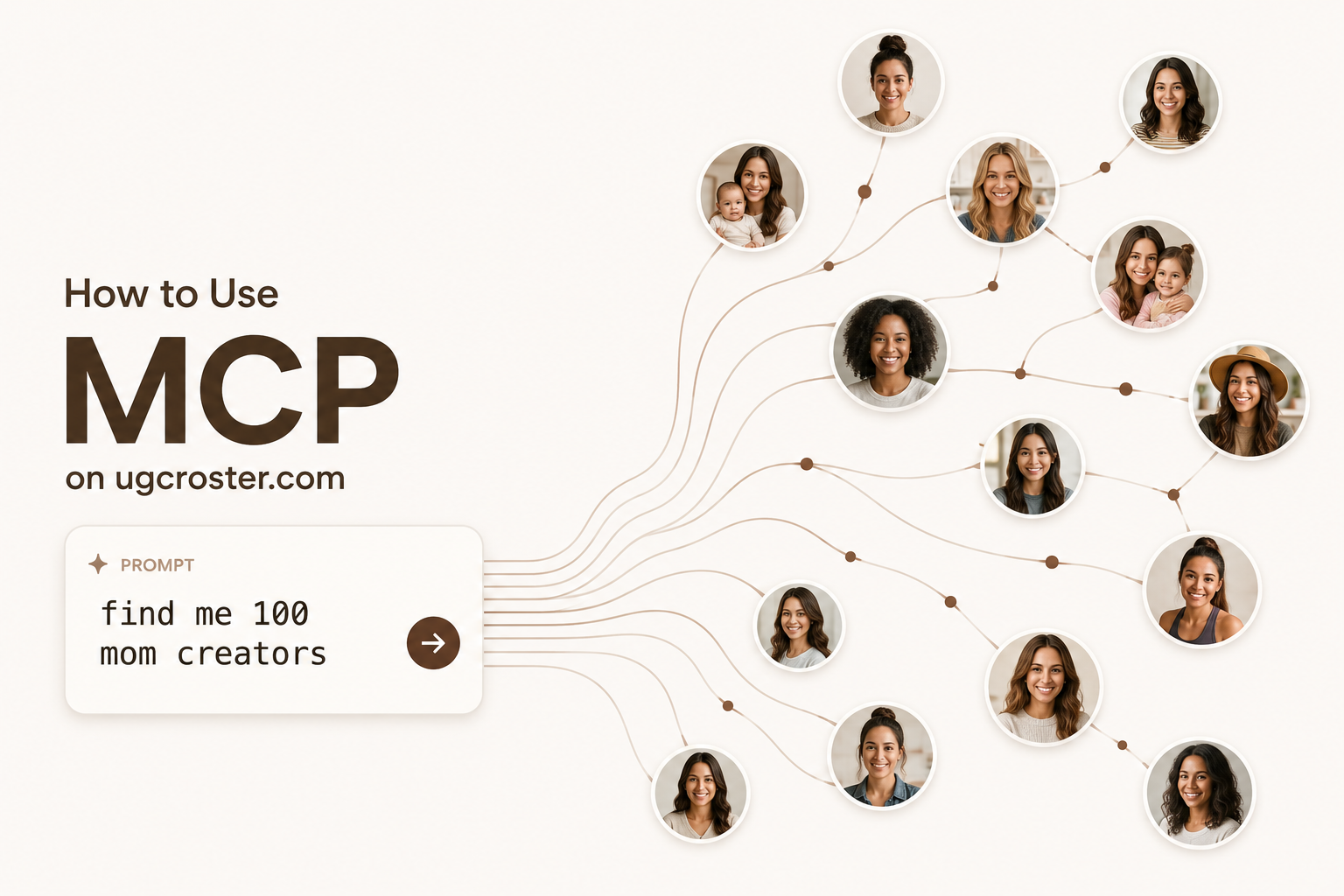
What is MCP?
MCP (Model Context Protocol) lets Claude connect to external tools. When you set up the Roster MCP server, Claude gets 54 tools that map to everything in the brand portal.
What you can say to Claude:
- "Show me my top performing creators"
- "Send a message to emma@creator.com about the skincare campaign"
- "Create a 15% discount code SUMMER15 for @fashioncreator"
- "Approve all pending commissions over $50"
- "Track this TikTok video"
What You Need
- A UGC Roster brand account with at least one campaign
- Claude Desktop (Mac/Windows) or Claude Code (terminal)
- Node.js 18+ installed
Step 1: Get Your API Key
Go to your brand portal Settings tab and scroll to API & Integrations.
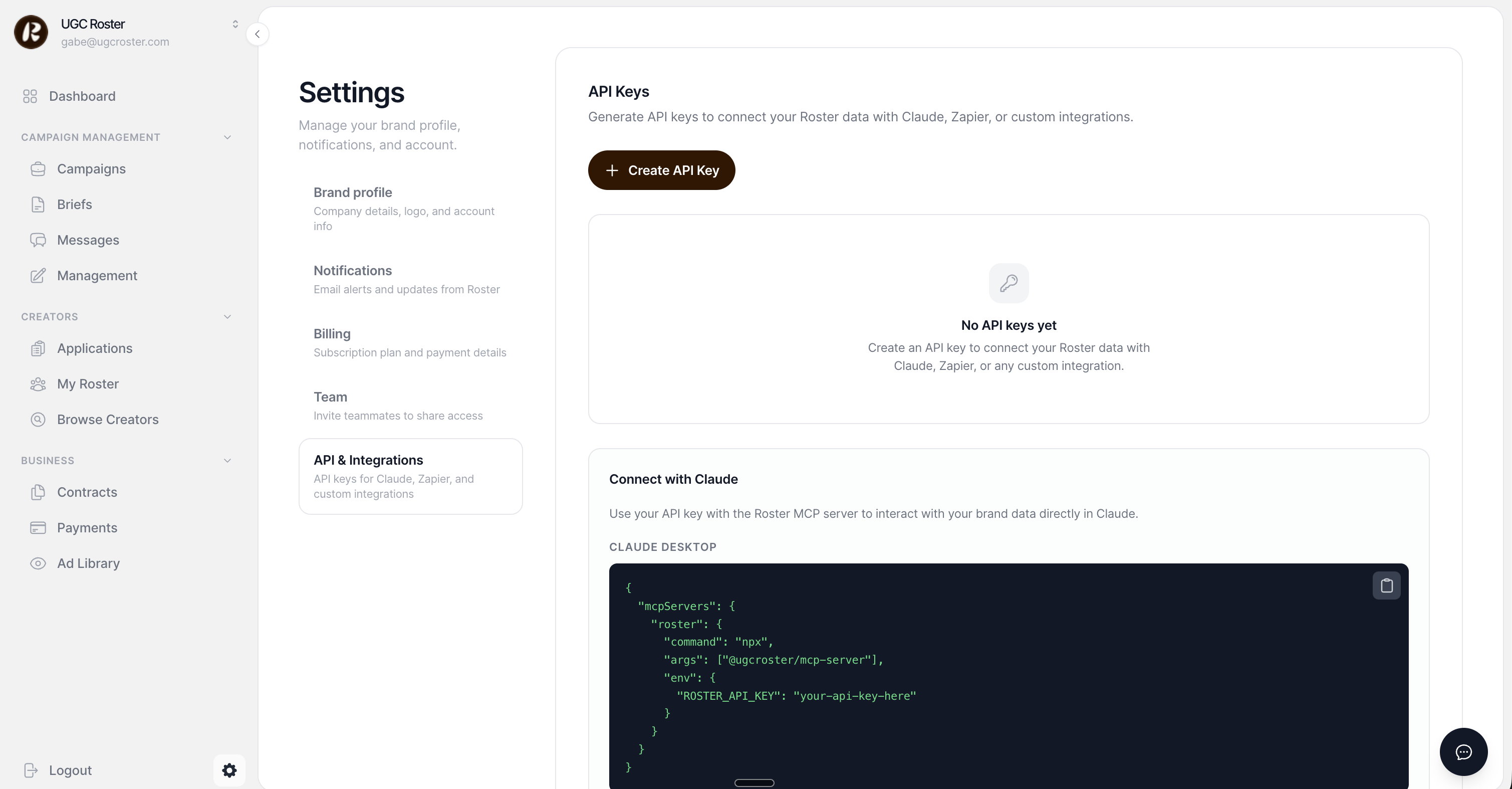
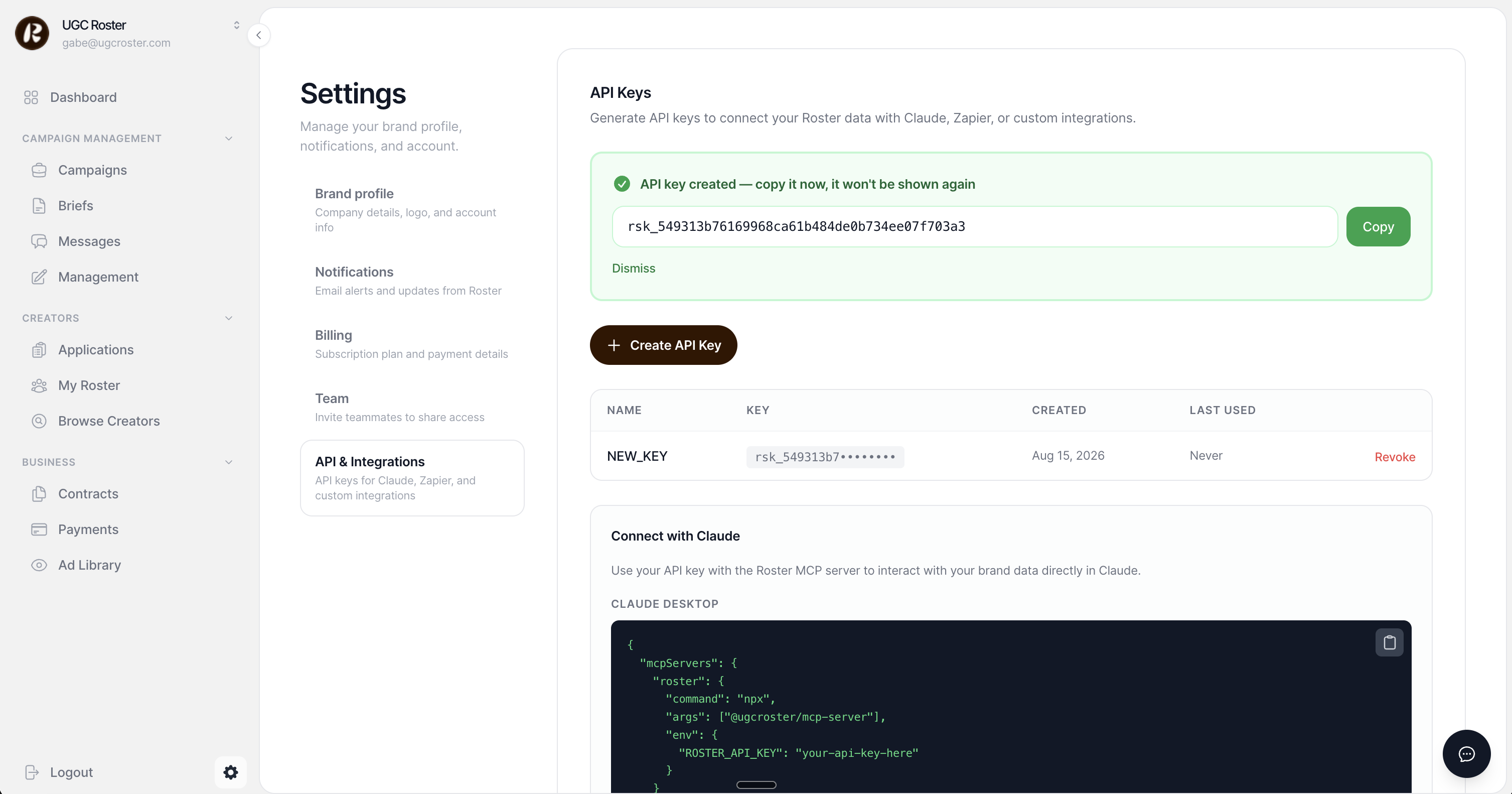
Click Create API Key. Copy it immediately -- it starts with rsk_ and is only shown once.
Step 2: Add the MCP Server
You can read more about the MCP server and full API reference on the developers page.
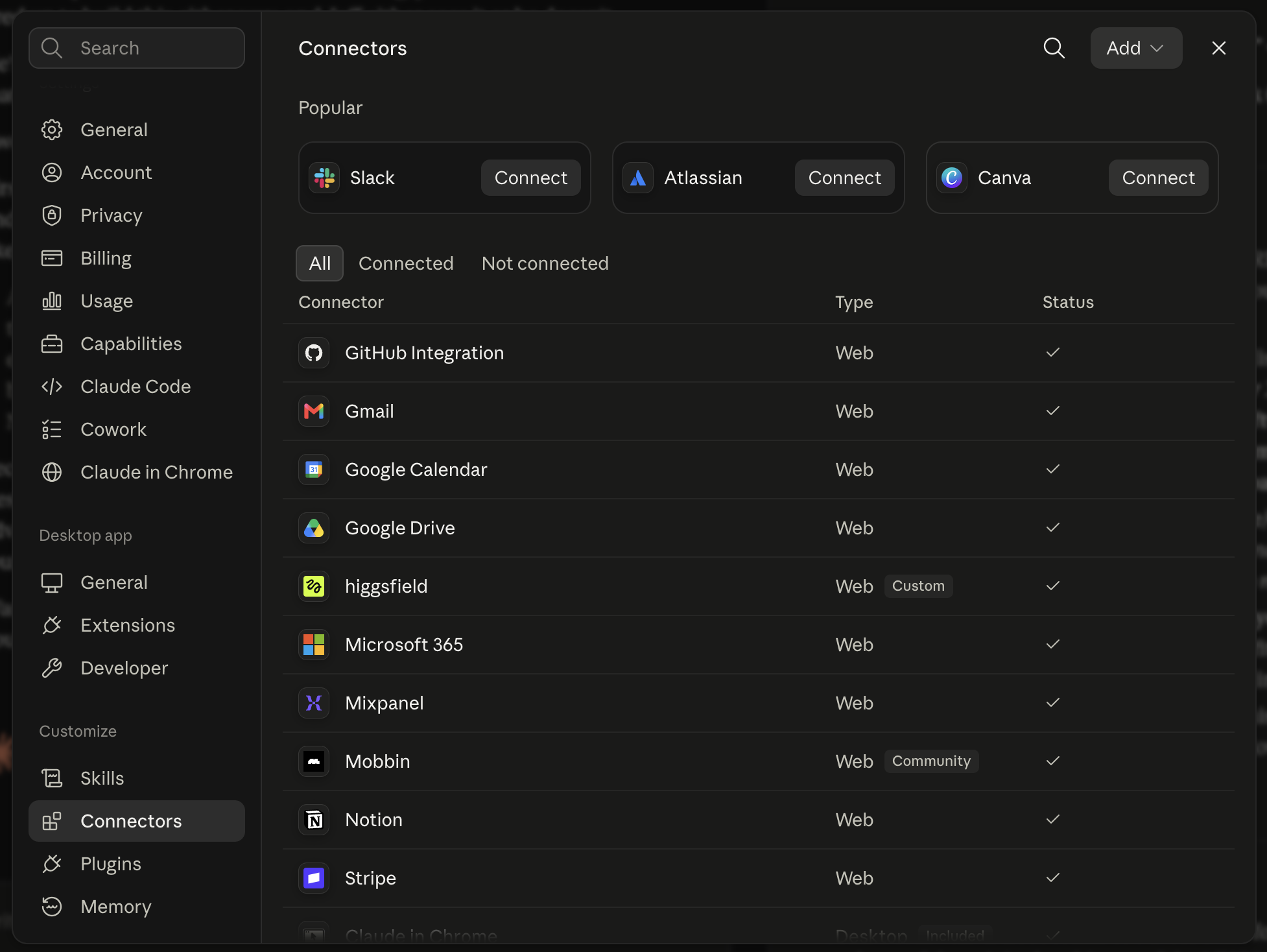
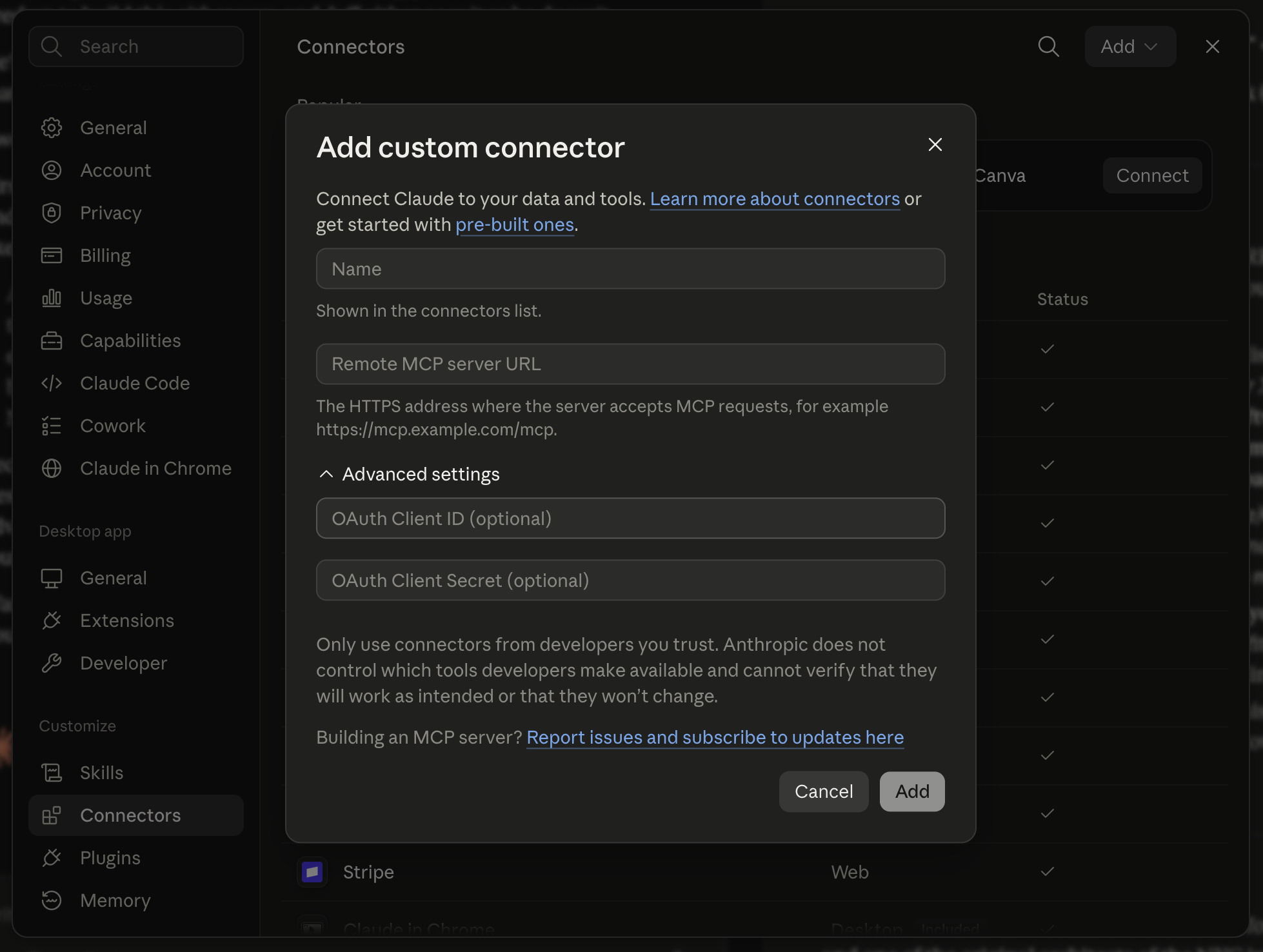
Claude Desktop: Go to Settings > Developer > Edit Config and paste:
Claude Code: Edit ~/.claude/settings.json with the same JSON above.
Then completely quit and reopen Claude.
Step 3: Verify
Type "Show me my brand profile" in Claude. You should see your brand info come back.
What You Can Do
Creators & Roster
- "List my creators" -- all creators with performance data
- "Search for fitness creators in the US" -- search the database
- "Add @creator to my roster" -- add to your brand roster
Campaigns
- "Show campaign stats" -- overview of all campaigns
- "Create a UGC campaign for skincare, $200/video" -- creates a campaign
- "Approve the application from emma@email.com" -- accepts a creator
Affiliates
- "Show affiliate performance" -- revenue, clicks, conversions
- "Create discount code SAVE20 for @creator" -- assigns a tracking code
- "Approve all pending commissions" -- bulk approve
Messaging
- "Send a message to creator@email.com" -- sends via email + in-app
- "Show my conversations" -- lists recent threads
Content Tracking
- "Track this TikTok: [url]" -- adds for tracking
- "Refresh metrics for all tracked content" -- updates data
- "Generate a content report" -- full performance summary
Contracts & Briefs
- "Create a contract for the holiday campaign" -- generates contract
- "Send the brief to 3 creators" -- delivers to selected creators
Shipments & Payouts
- "Create a shipment to creator@email.com" -- records product send
- "Record a $500 payout to creator via PayPal" -- logs payout
Example Workflows
Morning check-in:
> "Show me new applications and my top 3 affiliates"
Launch + invite:
> "Create a campaign called Summer Skincare for product reviews, $200/video. Then find my top 5 creators and message them to apply."
Payout run:
> "List unpaid approved commissions and record PayPal payouts for each."
Troubleshooting
- No MCP tools showing: Quit Claude completely (Cmd+Q) and reopen
- Unauthorized errors: Create a new API key in Settings
- Slow first call: Normal -- npx downloads the server on first run
API vs MCP
Same backend. MCP wraps the REST API so Claude can call it with natural language. Developers can also call endpoints directly:
Full docs at ugcroster.com/developers.